

Parents & Caregivers
A Parent’s Guide to Roblox: Helping Kids Play Safe Online
Roblox has 85 million daily users — and not all of them are kids. Here’s how to help your child play safely.
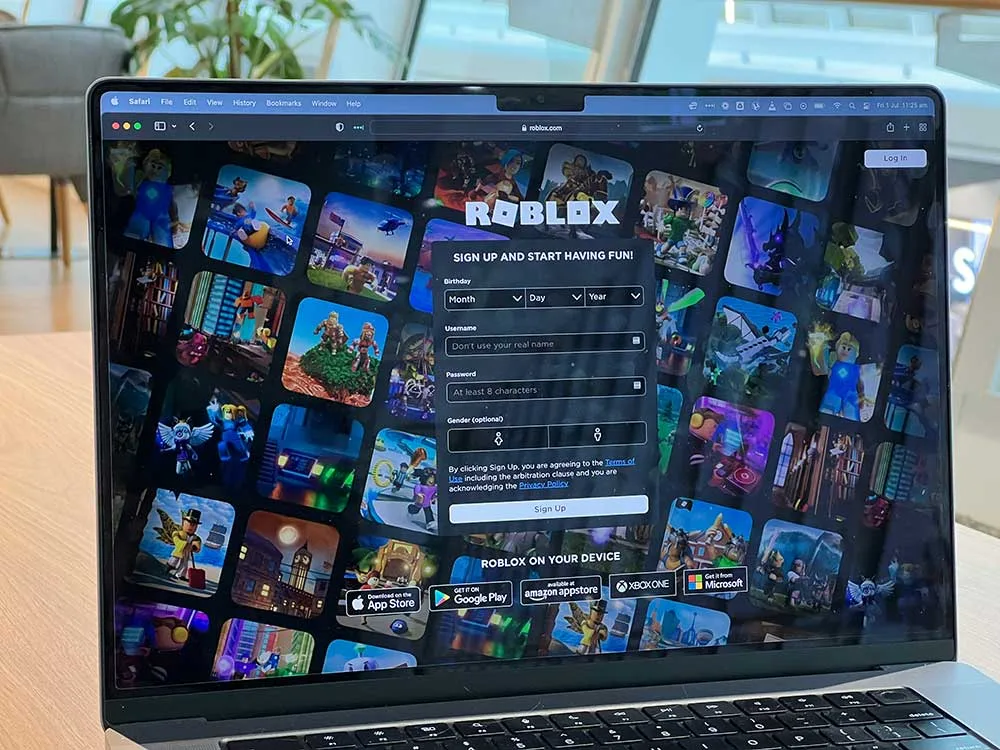
What is Roblox?
Roblox is a very popular online gaming and social platform where users of all ages create avatars, explore virtual worlds (“experiences”), play games, build things, and chat with others. It reports around 85 million daily active users worldwide and features over 6 million experiences. Because much of the content is user-generated, the environment can vary widely in quality, theme and safety. This guide covers everything parents need to know about Roblox safety for kids, from platform risks to practical steps you can take today.
Risks & realities
Key findings from a 2025 report about Roblox found:
- Children and adults can easily chat via text and voice in the same virtual spaces, with minimal age-verification.
- Some experiences that appear child-friendly were in fact highly suggestive, with mature themes (e.g., virtual hotel rooms, sexualized avatars) and accessible to under-13 accounts.
- Safety tools like age settings, chat filters, maturity ratings are present on the platform but limited in effectiveness and are easily circumvented.
- Because users self-report age, it is difficult to guarantee that the person behind an account is actually a child (or vice-versa).
What this means for you and your child
• Your child may encounter strangers, adult users, or users posing as children.
• They may access content or chat features that are not age-appropriate
• Even in “safe” rated experiences and with filters, risky contact or exposure may occur.
• Being proactive (rather than solely relying on the platform’s settings and filters) is important.
What can parents and families do?
Set-up and explore together
- Create an account for yourself: try logging in as your child’s age, explore the same games they play.
- Spend time with your child: play together, ask them to teach you how the games work, and talk through any concerns you have.
- Go through the settings together: enable parental controls, set maturity level, disable voice/text chat where needed.
Set up Roblox safety tools for kids
- Set “Content Maturity” to the lowest appropriate level for your child’s age.
- Restrict who can contact them: friends only, block unknown users.
- Disable or monitor voice chat/text chat if you feel they are too young or not ready.
- Set clear time limits for gaming sessions: this supports healthy screen-use habits.
Have regular check-ins & conversations
- Talk with your child about what they’re doing in Roblox: what games they like, who they play with/meet, what they find fun or weird.
- Use open questions: “What happened in the game today?” “How do you decide which games or people to play with?” Encourage them to share if something felt uncomfortable.
- Teach them not to share personal information (real name, age, school, address, other social media) and to block and report users who ask for contact details or make them feel uneasy.
- Encourage them to come to you without fear if something upsets them or they’re confused about what happened.
Promote safe gaming habits & alternatives
- Encourage a variety of activities: outdoor time, board games, shared family time.
- Help them choose age-appropriate experiences: simple games with limited chat may be better for younger children.
- Think of being online as a social space like a playground: supervise it similarly.
When Is It Time to Step In?
- Your child becomes secretive about what they’re doing in Roblox or hides their screen.
- They talk about meeting new “friends” in the game and/or mention switching games, platforms, or apps to continue chatting with someone they met in Roblox.
- You overhear or see behavior that seems adult-oriented (sexual jokes, “private” rooms, suggestive avatars).
- Their mood changes (anxiety, fear, guilt) after playing the game.
- You notice unfamiliar usernames or friend requests, especially from older players or those without profile pictures.
- They make or receive in-game “gifts” or requests for Robux (the in-game currency).
Note: These Roblox safety for kids tips don’t just apply to Roblox and can be used for any game or app where children connect, chat, or share content. Explore together, use privacy settings, and keep communication open so your child knows they can come to you if something feels wrong. Building trust and staying involved are the best ways to help your child navigate any digital space safely and confidently
Compiled and adapted from Revealing Reality’s 2025 report, “Roblox: The Real Guide” (think.revealingreality.co.uk)
Want a printable version to share with your family, a school, or a community group? Download our guide to Roblox safety.